

Adding Instruments to the Score
After you’ve opened the .sib file named “SE6_Template_6.0a”, navigate to Home > Instruments > Add or Remove; the dialog box that appears will look similar to this:
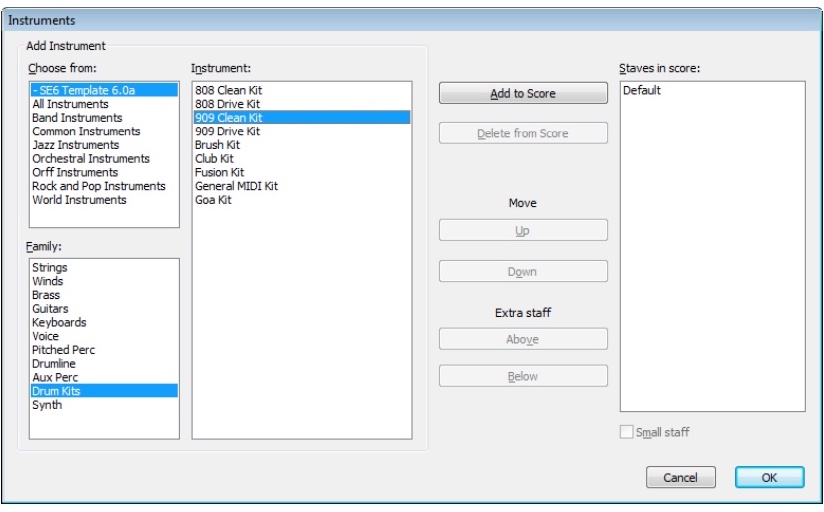
The Family field has all of the SE6 instruments grouped into types, and are otherwise arranged to maximize the use of field sizes for better viewing. Find the instrument(s) you would like to add to the score, then do so.
After you have filled up the Staves in score field, you can order them however you wish by using the Up/Down buttons. Click OK when you are done playing around in this dialog.